
Wi-Fi heatmap for iPhone
See where your Wi-Fi gives up, room by room.
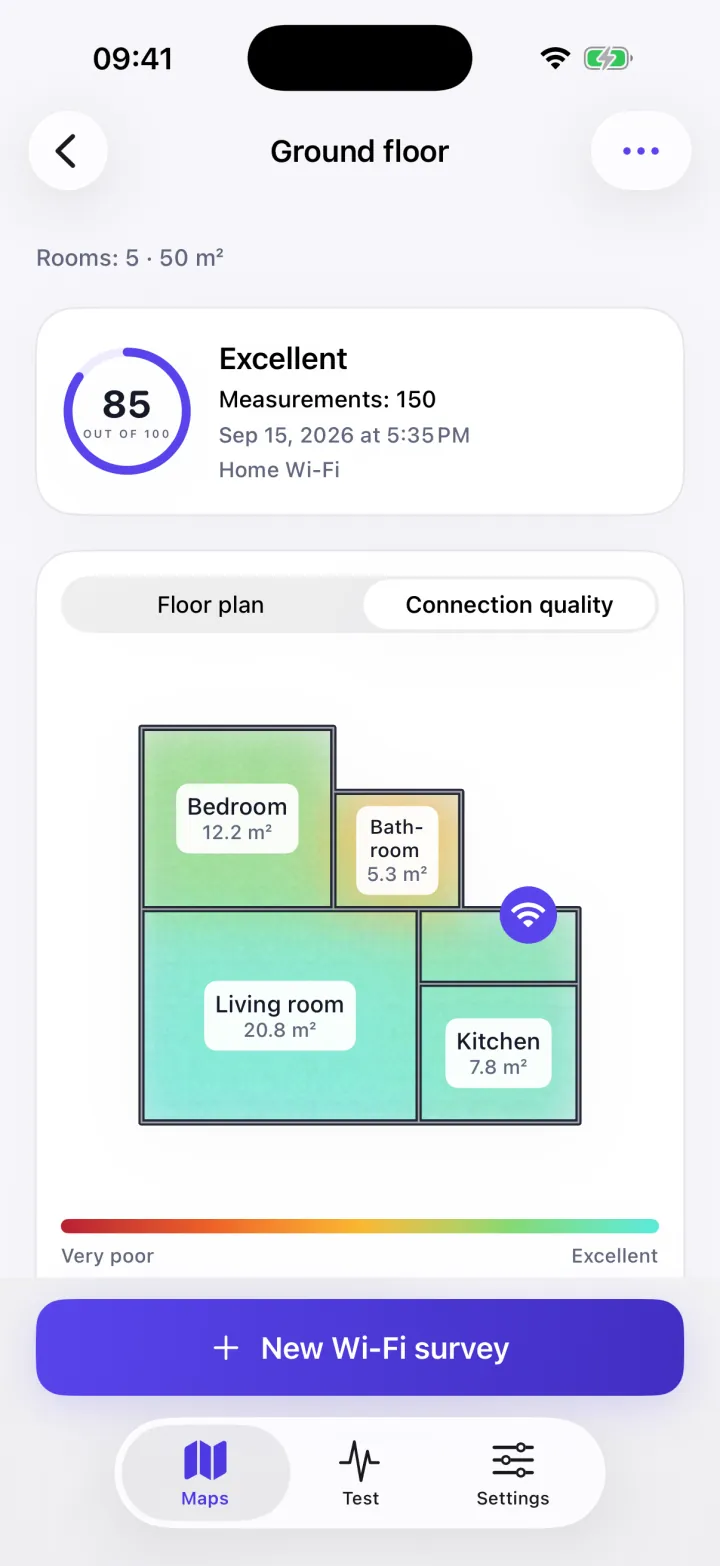
WiFi Heatmap turns your home into a colored floor plan on your iPhone: strong where the connection flies, red where it drops. Fix the right room first, instead of moving the router at random or buying an extender you may not need.
How it works
Draw the floor plan
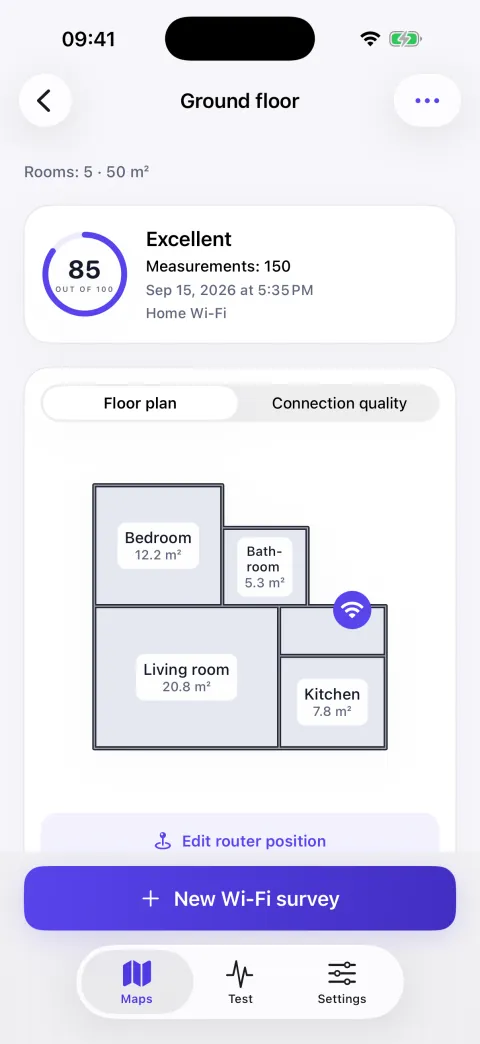
Walk through your home with your iPhone to lay out the rooms you want to check.
Measure every room
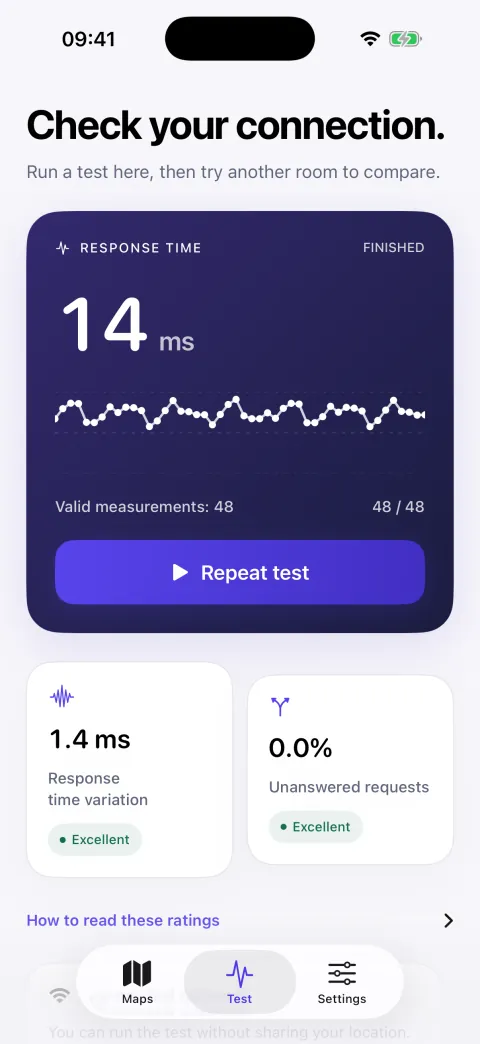
Move from room to room while the app records how the connection responds where you stand.
Read the map
Colors show where Wi-Fi holds and where it drops, with a quality score out of 100.
What you get
A map, not a number
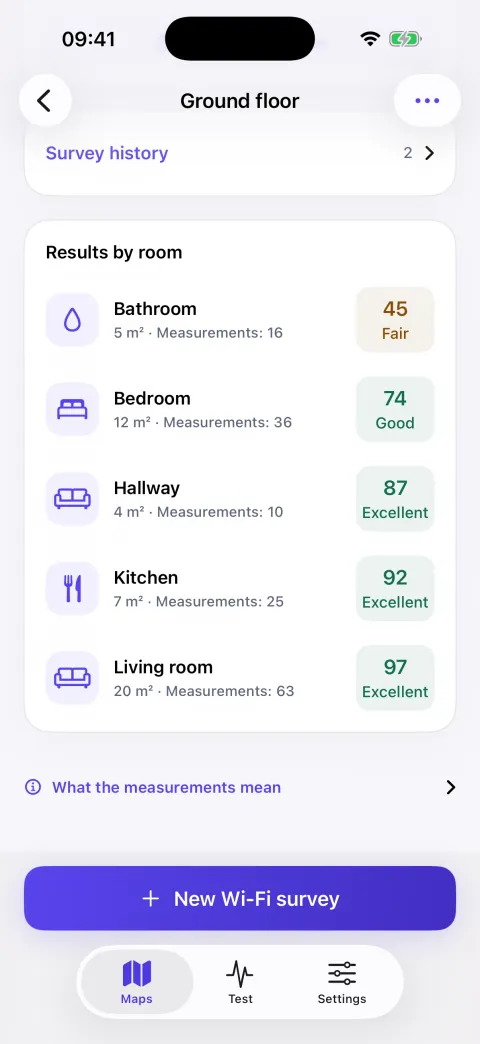
Every room gets a color and a label, so the weak spots stand out without knowing anything about networks.
Before and after
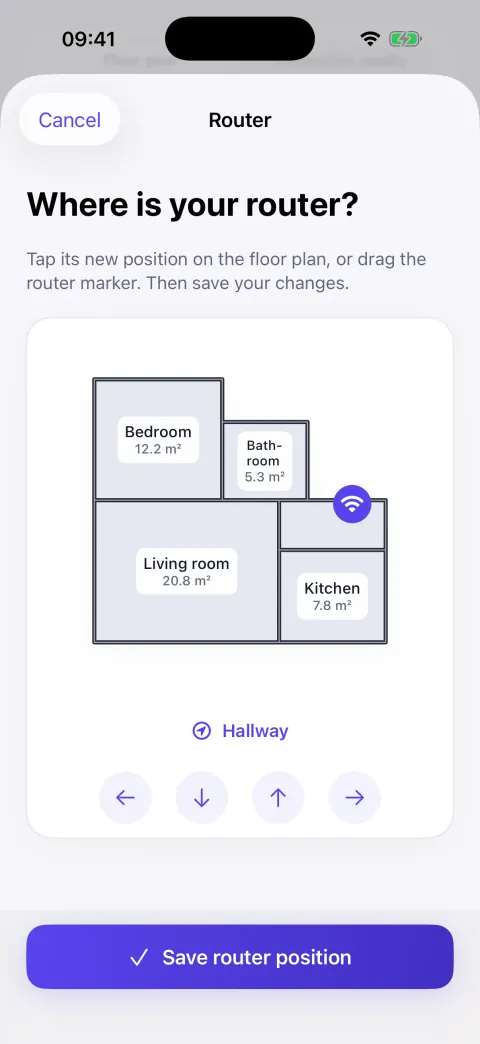
Map again once you move the router or add a node, and compare what actually changed.
No account, no hardware
Nothing to sign up for and nothing to buy: your iPhone and the network you want to check are enough.
Your maps stay with you
Floor plans and measurements are saved on your iPhone, not on our servers.
A look inside
What it is not
It isn't a speed test, which measures your internet line to a remote server, and it isn't a map of public networks around you. It answers one question: how your own Wi-Fi changes as you move through your home. iOS doesn't let apps read the raw signal value, so the app measures how the connection actually responds in each spot and turns that into the score and the colors on the map.